


Samsung Electronics Launches Marshmallow App for Children's Smartphone Use Through Autonomy and Rewards
 Published2017.05.02 12:22
Entertainment Games Become Unavailable When Points Run Out
Existing child management apps are divided into study, free, and self-management modes, with the study mode allowing only gallery, messages, calls, and camera access. In free mode, parents can set which apps are available.
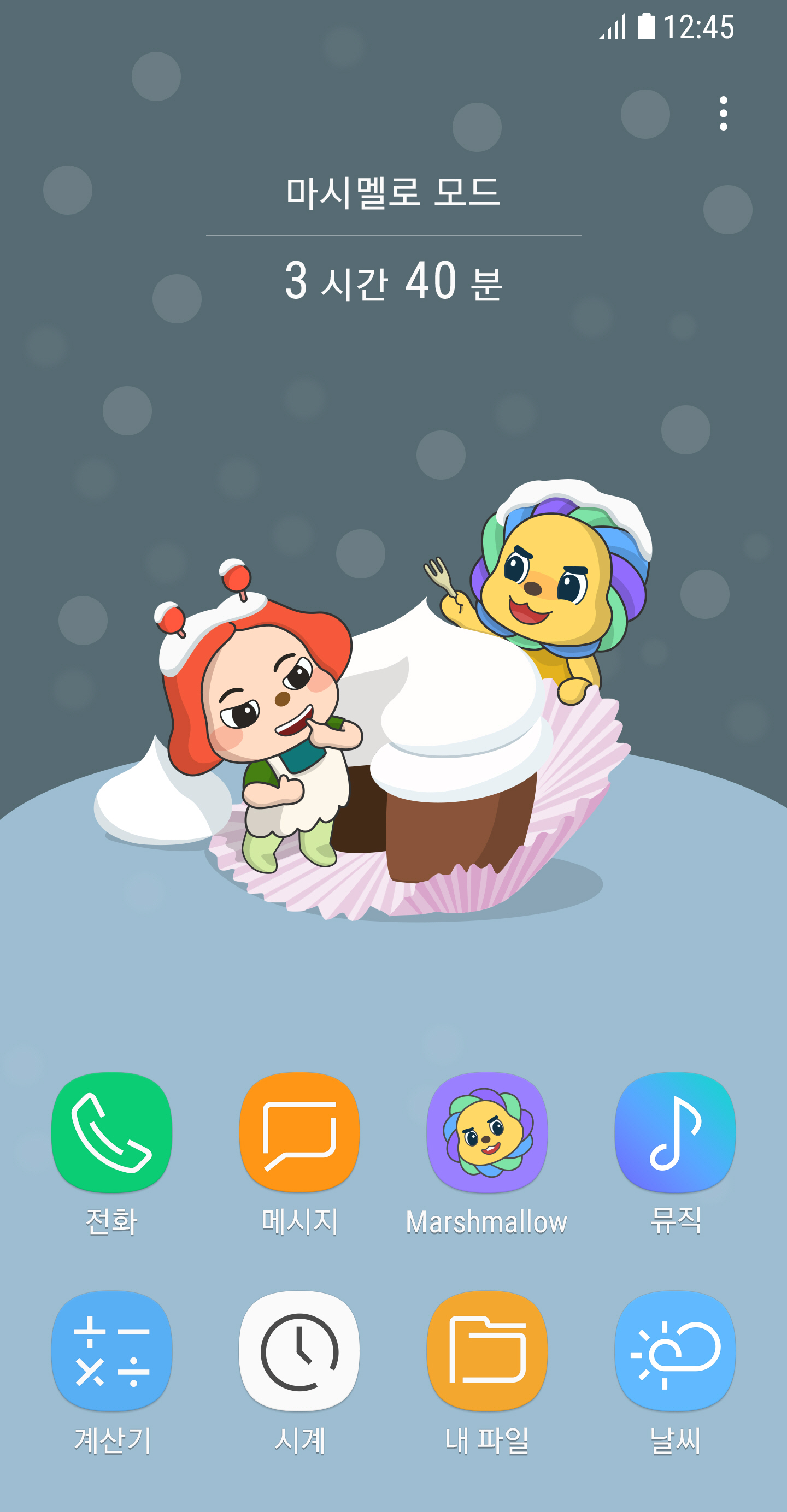
In contrast, the Marshmallow app is divided into Marshmallow Mode, Management App, and Gift features.
"Marshmallow Mode" is a smartphone usage environment where children can use only up to 8 apps of their own selection. Except for allowed apps, notifications and alarms are restricted, reducing habitual smartphone checking time. While children can autonomously choose how much to use Marshmallow Mode, the more frequently they use this mode, the more rewards they receive such as usage goal achievement badges, level-ups, and Marshmallow points.
The "Management App" is for apps that parents hope their children will not use for extended periods. For example, entertainment games, webtoons, SNS apps, etc. can be set as management apps. Each time children use them, Marshmallow points are deducted on an hourly basis, and when points run out, the apps become unavailable.
"Gift" allows children to use accumulated Marshmallow points at the Marshmallow Coupon Shop to request desired gifts from their parents.
Additionally, Marshmallow provides reports that allow parents to see their children's smartphone usage history at a glance, enabling objective assessment of improvements in smartphone usage habits.
A Samsung Electronics official stated, "As children's smartphone addiction is drawing attention as a serious social issue, we developed Marshmallow hoping that children will develop self-control abilities like those who succeeded in the Marshmallow Test and establish correct smartphone usage habits."
Comments
Related news
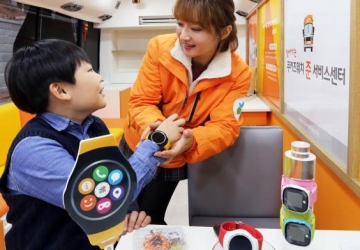
Kids' phone 'Cookiz Watch' surpasses 400,000 cumulative sales
SK Telecom is introducing a specialized service that visits parents and young customers directly with a dedicated bus, providing everything from subscription to after-sales service for 'KooKiz Watch'. SK Telecom announced on the 8th that it will introduce a mobile 'JooN Service Center' that goes directly to customers' locations via bus for users of the kids phone KooKiz Watch.
2016.12.08by 신윤오 기자

KT partners with 'LINE Friends' for an amusement park outing
KT announced on the 24th that it will conduct an experience promotion event for its dedicated terminals 'LINE FRIENDS Smartphone' and 'LINE Kids Phone 2'. The event, part of Y Junior marketing, will be held at Seoul Land on March 25-26 and at Suwon KT Wiz Park on April 8-9, where customers participating in the promotion will be able to experience the LINE FRIENDS Smartphone and LINE Kids Phone 2 firsthand.
2017.03.27by 김자영 기자
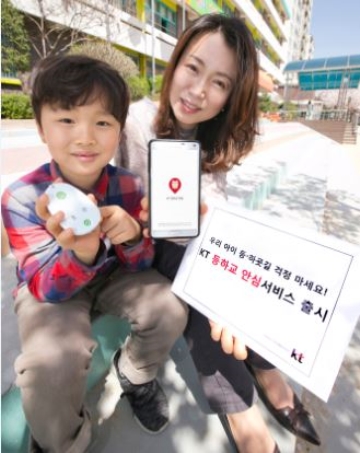
KT Launches '2-Second' Emergency Call to Protect Children's School Commutes
KT announced on the 11th that it is launching 'KT School Commute Safety,' a children-exclusive service that allows guardians to check their child's school arrival and departure information and current location. The KT School Commute Safety service notifies guardians via text message whether the child has arrived at or left school through a dedicated device when the child passes through the main or rear entrance of the school. Guardians must install a dedicated app and receive device authentication to use the service. The app allows guardians to check the child's movement route in one-hour increments, and real-time current location inquiries are also available.
2017.04.11by 김자영 기자

MotorSense, ePapyrus Business Division Launches as Independent Corporation
MotorSense, a new business division of document AI company ePapyrus, has transitioned into an independent corporation. The company provides predictive maintenance solutions that collect vibration data from rotating equipment using small wireless sensors and detect real-time anomalies through AI algorithms. Currently operating 7,000 sensors across more than 250 field sites, the company plans to strengthen its strategy to capture the domestic predictive maintenance market through this independence.
2026.11.02by 배종인 기자

Rockwell: "90% of Food and Beverage Manufacturers Have Adopted AI, But Less Than Half Are Actually Using It"
Rockwell Automation has announced the results of its analysis on AI adoption trends in the food and beverage manufacturing industry. While approximately 90% of companies have adopted AI, only 45% of collected data is being utilized, and the integration of IT and OT along with the establishment of enterprise-wide digital strategies have proven essential for successful AI outcomes. Companies achieving high performance are meeting concrete objectives such as quality improvement, productivity enhancement, and cost reduction by linking AI initiatives to overall enterprise strategies rather than focusing on individual projects.
2026.11.02by 배종인 기자











