



Lenovo, now express yourself freely on the screen!
 Published2016.02.19 09:30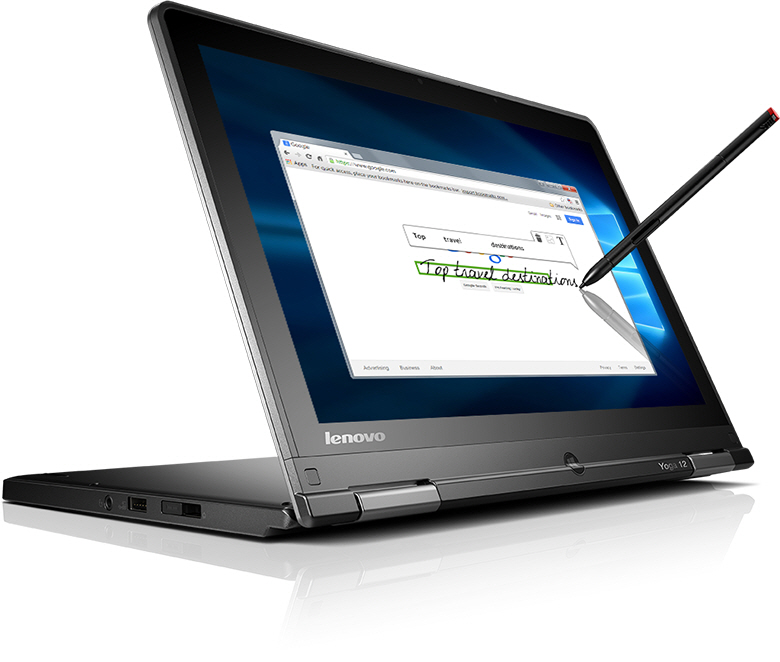
Lenovo has announced a newly designed and enhanced WRITEit 2.0 to unlock the potential of touchscreen and pen-supported devices. WRITEit 2.0 runs on Lenovo Windows (Windows 8 and 10) touchscreen devices. Users can enjoy a much richer multimedia experience by utilizing it with the Lenovo Digital Pen.
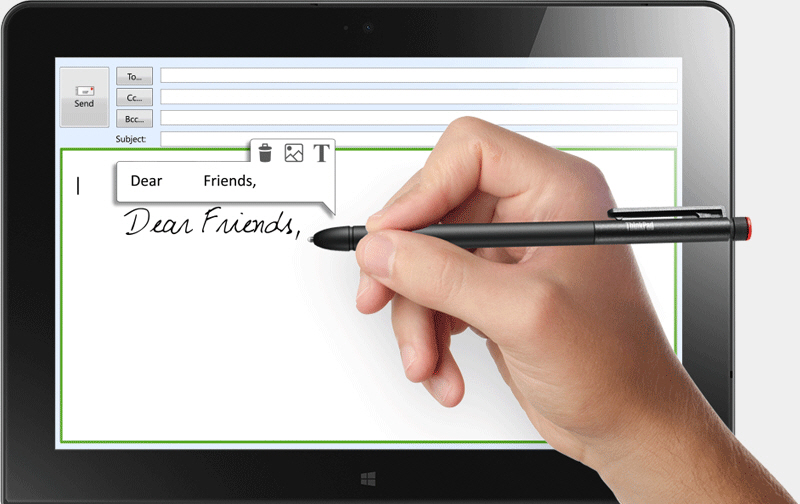
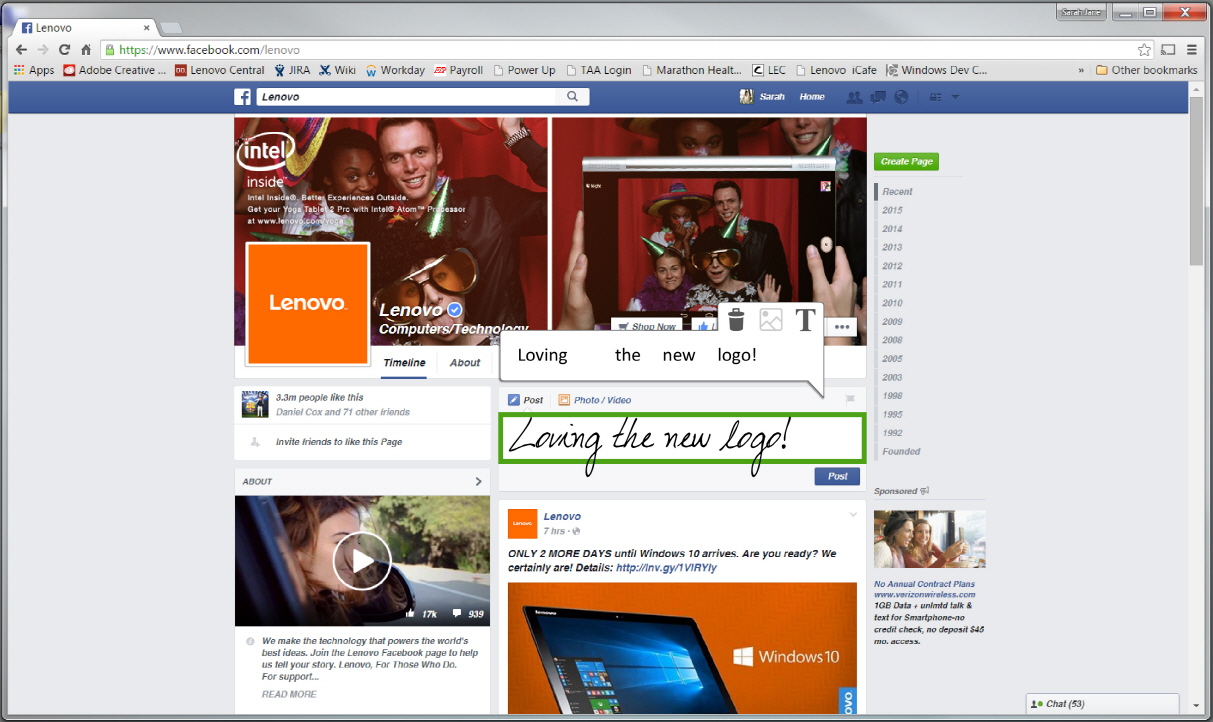
Lenovo WriteIt 2.0 is free software that transforms a Windows touchscreen into a virtual canvas. Users can easily write, draw, highlight, and take notes using a pen or their finger. It can display anything on the screen, including Word documents, photos, presentations, and web pages. Users can create a blank canvas to draw or write on, allowing them to fully unleash their creativity. Additionally, with WriteIt 2.0, users can save their artwork as images and quickly share them with others.
This application tool consists of 12 pens of 3 different thicknesses, 4 colored highlighters, and an eraser. In addition, because there is a virtual canvas layer, users can freely add annotations using their digitizer pen or finger.
WriteIt 2.0 is available on pen-supported and touch-based Lenovo Windows 8 and 10 devices and can be downloaded for free from the Lenovo website http://www.getwriteit.com.
Comments
Related news

Lenovo, 'Notebook Academy Festival' for the Upcoming New Semester
Lenovo Korea announced that it will hold the 'Academy Festival' from January 18 to March 6 to coincide with the new school term. The Academy Festival is being conducted on 11Street, Auction, and Gmarket until March 6 for customers purchasing IdeaPad notebooks, and will end upon depletion of promotional items. Lenovo Korea will draw one winner from customers who purchased products and entered the event to receive a ThinkPad X1 Carbon, a premium business notebook, and will present 60 winners with battery packs containing Honey's autographed signature. Additionally, the company will provide various promotional gifts to 1,000 customers including official pouches in Line character designs according to the purchased product and Lenovo's high-capacity battery PB300. Winners will be announced on March 16 on the Lenovo Club and Lenovo Korea Facebook website.
2016.01.18by
Lenovo Launches Business Laptops to Work Faster and More Efficiently!
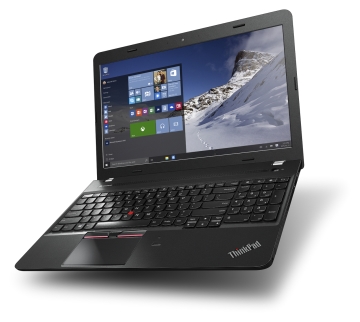
Lenovo announced the launch of ThinkPad E465/565 (hereinafter E465/565), targeting the enterprise notebook market. According to Lenovo, the new product is equipped with an AMD A10-8700P processor featuring 4 cores and 6 R6 GPU cores, and the company explained that it is a product that significantly reflects the requirements of individual and enterprise customers by delivering not only powerful graphics performance but also security features.
2016.02.11by
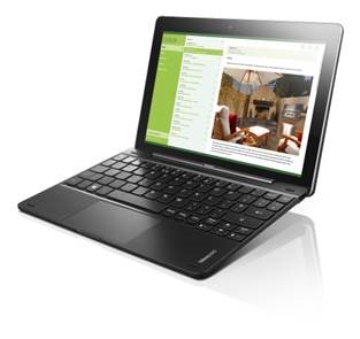
Lenovo Launches Laptop That Converts into a Tablet with a Detachable Keyboard
Lenovo announced that it will exclusively launch the IdeaPad Miix 300 (hereinafter referred to as Miix 300), a 2-in-1 notebook that combines practical functionality with a reasonable price, at Hi-Mart stores nationwide on February 13th.
2016.02.12by
ESP32 Development Environment Selection and GPS Application Implementation
The ESP32 is a microcontroller that integrates Wi-Fi, Bluetooth, 12-bit ADC, capacitive touch, PWM, DAC, and UART in a single SoC. However, the abundance of features does not by itself solve the designer's problems. The real challenges lie in selecting the appropriate development environment, determining which pins can be used and which must be avoided, and converting raw data from modules into usable information. This document addresses ESP32 peripheral constraints (ADC2 and Wi-Fi coexistence limitation, UART1 occupancy, ADC non-linear regions), the trade-offs between Arduino IDE and ESP-IDF, and the process from connecting NEO-6M/NEO-M8N GPS modules to UART2, parsing NMEA sentences, and visualizing routes in Google Earth, all organized based on documented references.
2026.10.12by 편집부
MIPI CSI-2, DSI-2, C-PHY, D-PHY Test Solution Technical White Paper
The MIPI interface adopts a burst mode that transitions between low-power (LP) and high-speed (HS) states for low-power consumption, and in return, strict timing rules are imposed on state transitions. Additionally, the high-speed section operates as a packet-based protocol with headers, ECC, and CRC, so verification engineers must handle waveforms and protocols simultaneously. Traditional configurations combining general-purpose oscilloscopes and AWGs reveal limitations in setup complexity, measurement uncertainty, and lack of reproducibility when faced with these requirements. This white paper, based on webinar materials, organizes the structure of this problem and describes how the SV5C-DPTXCPTX generator for receiver testing and SV5C-DPRXCPRX analyzer for transmitter testing integrate state transition testing, stressed eye testing, and protocol analysis into a single bench, along with their application boundaries.
2026.10.12by 편집부











