



ST Launches MCU Finder for PC to Facilitate Easier Access to Design Resources
 Published2017.02.16 16:40
MCU resources can be integrated on the desktop
ST has newly launched an MCU Finder for PC.
The PC version of ST's mobile app MCU Finder provides selection tools and self-maintained documentation, and connects users with the MCU (Microcontroller) community. Available on Windows, macOS, and Linux platforms, it allows embedded developers to integrate MCU resources including data and tools on their desktop.
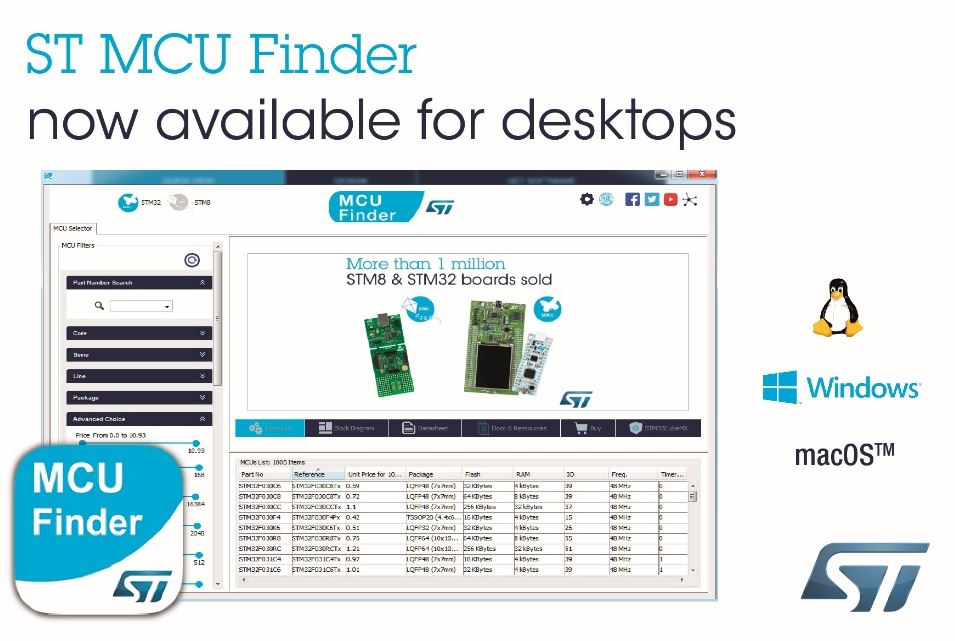
Users can search over 700 STM32 and more than 125 STM8 MCU part numbers across the STM32 product family classified by up to 54 criteria and the STM8 product family by 20 criteria. These classification criteria encompass not only core type, CPU frequency, memory, price, package, I/O, and temperature grade, but also device functions including peripherals such as control, timer, analog, connectivity, multimedia, and security.
With this desktop application, developers can find data and technical documentation needed to support their microcontroller projects. Documentation for selected devices can be viewed in one place and downloaded for reference. Since documentation is automatically updated to the latest version, developers can load it on their PC without repeating online searches.
Comments
Related news
ST Launches New Microcontroller Line Supporting High-Performance Embedded Design
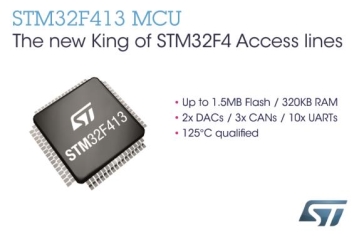
STMicroelectronics (hereinafter ST) has launched STM32F413 and STM32F423, new microcontroller lines that support high-performance embedded design by enhancing power efficiency, flexibility, and feature integration as the high-end segment of the STM32F4 Access line.
2016.12.22by 김수지 기자
ST Launches Intelligent Power Module Integrated with Up to 100W Functionality
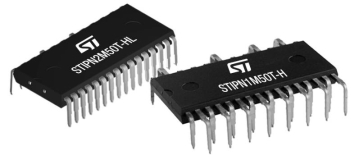
STMicroelectronics (ST) has launched a new package product for Intelligent Power Modules (IPM), its SLLIMM™ Nano Series. ST states that this package product incorporates the latest 500V MOSFET, reducing overall size and complexity while adding functionality and improving efficiency.
2017.02.08by 김지혜 기자
ST Launches Ultra-compact LDO Regulator with Reduced Noise
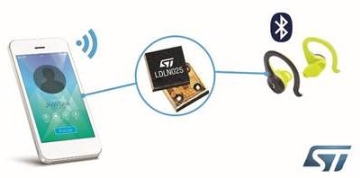
STMicroelectronics (hereinafter ST) has launched the LDLN025, an LDO (Low-Dropout) voltage regulator that delivers best-in-class noise performance relative to output current and footprint. ST states that the LDLN025 is sized at 0.63 x 0.63mm, with noise generated at full 250mA load of less than 6.5μVrms. It is designed to consistently supply stable voltage to precision ICs such as ADCs, VCOs, and sensors, ensuring high accuracy and sensitivity.
2017.02.13by 김지혜 기자

OpenAI shares AI cybersecurity defense strategy with domestic corporate CISOs
OpenAI introduced AI-based cybersecurity defense strategies to approximately 60 CISOs from domestic companies. The company presented an approach that automates the entire process from vulnerability discovery to remediation using integrated defense solutions Daybreak and Defense Factory while maintaining human oversight. The message emphasized that cybersecurity in the AI era should be treated as a critical business priority.
2026.10.16by 배종인 기자
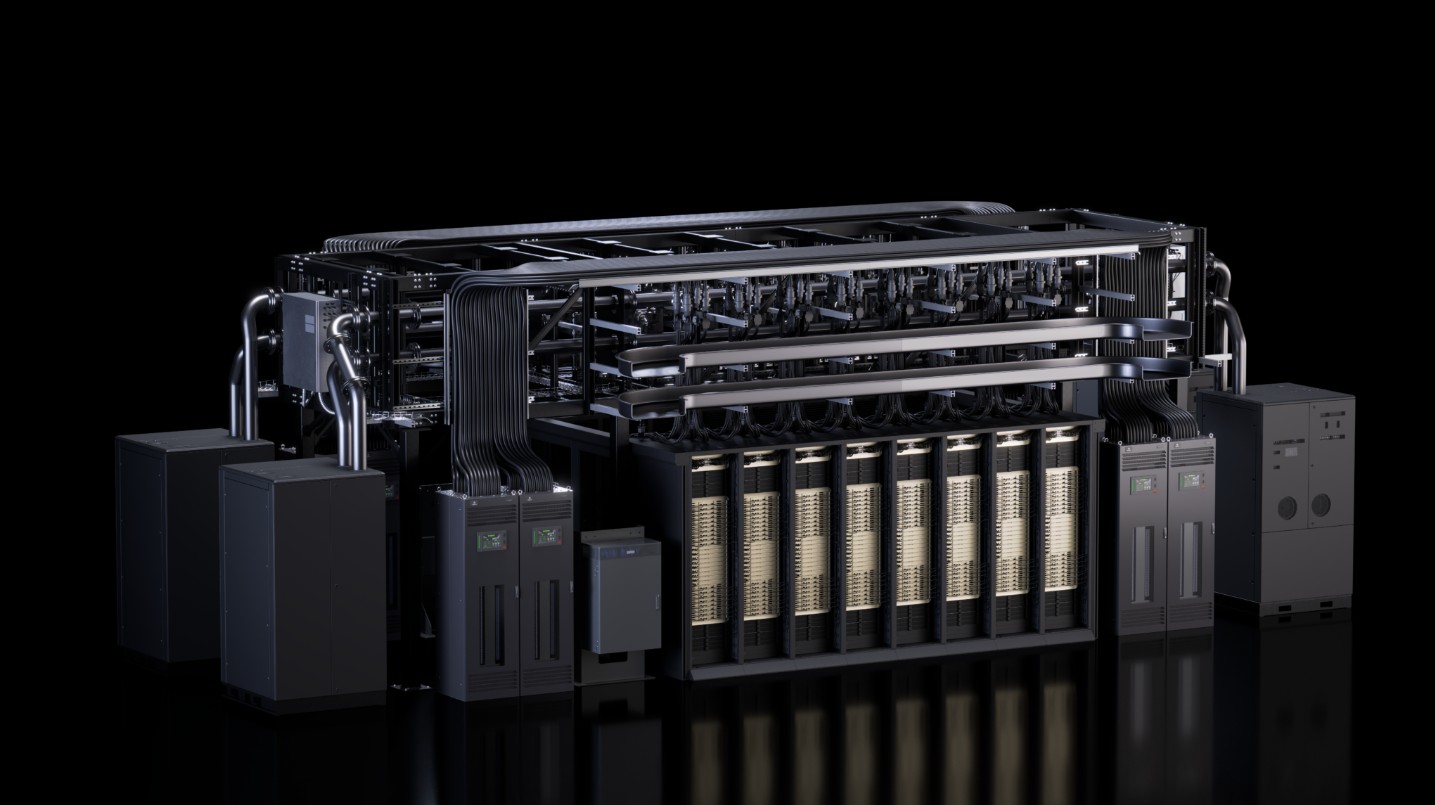
Nvidia Makes Bold Move to Become AI Datacenter 'Operating System'
At the OCP Global Summit 2026, Nvidia disclosed not only the rack design of its next-generation AI platform 'Vera Rubin,' but also extensively revealed datacenter buildings, power grids, operational software, and network specifications. This is interpreted not merely as a technology disclosure but as a strategy to establish its design as the standard for AI infrastructure. Particularly, the 800V direct current power grid, open datacenter standard, DSX open-source software, and collaboration with Google, Meta, and Cisco are expanding the competitive landscape of the AI industry from GPUs to networks, power, cooling, and operations. Through 'openness,' Nvidia has embarked on securing leadership across the entire AI datacenter ecosystem.
2026.10.16by 배종인 기자











